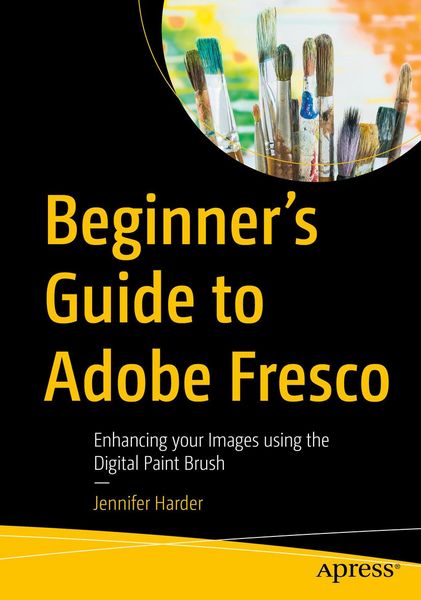
Beginner's Guide to Adobe Fresco Enhancing your Images using the Digital Paint Brush
-
- Taschenbuch
- eBook ausgewählt
-
Form:Einzelkauf Download
-
Sprache:Englisch
62,99 €
inkl. gesetzl. MwSt.Beschreibung
Produktdetails
Format
Kopierschutz
Nein
Family Sharing
Nein
Text-to-Speech
Nein
Erscheinungsdatum
01.08.2025
Verlag
ApressSeitenzahl
698 (Printausgabe)
Dateigröße
59059 KB
Sprache
Englisch
EAN
9798868815577
Explore your creative side using a combination of vector and raster (pixilated) layers and brushes with Adobe Fresco to create your digital painting effects, enhance your designs, or create a simple GIF animation. Fresco is a unique drawing application added to the Adobe Creative Cloud suite in 2019.
If you are not familiar with Fresco, you may want to know what its practical applications are for your next design project. This book will explore how Fresco can be used as a stand-alone creative application using its various tools and panels. However, we will also look at how to import your current artwork created with other Adobe Applications like Photoshop into Fresco to enhance the design. Later we will look at Fresco's basic animation options as well. Finally, we will look at Export options so that you can use the final files for projects and share them with other Adobe applications outside of the Creative Cloud desktop file folder.
You will discover that Fresco is a great application to add to your "tool belt" of knowledge when your clients ask that additional artistic brush effects be applied to a project. You will also see the various similarities between it, Photoshop, and Illustrator.
You Will
- Master use of Tools and Panels to enhance your artwork in a new document
- Discover the many brush options available within Fresco
- Find out how to import artwork into Fresco to edit
- Learn to create a GIF animation within the Fresco application
- Grasp how to export your completed artwork for other Adobe applications
Who Is This Book For
This book is ideal for beginners; however, some prior experience with using Photoshop and Illustrator to create or color correct the main images before importing is useful. Some information will be briefly discussed regarding these Adobe applications as it specifically applies to Fresco.
Students and graphic designers who want to add further brush embellishments to their projects while working with Fresco and other Adobe applications.
Noch keine Bewertungen vorhanden
Verfassen Sie die erste Bewertung zu diesem Artikel
Helfen Sie anderen Kundinnen und Kunden durch Ihre Meinung.
Kurze Frage zu unserer Seite
Vielen Dank für dein Feedback
Wir nutzen dein Feedback, um unsere Produktseiten zu verbessern. Bitte habe Verständnis, dass wir dir keine Rückmeldung geben können. Falls du Kontakt mit uns aufnehmen möchtest, kannst du dich aber gerne an unseren Kund*innenservice wenden.
zum Kundenservice