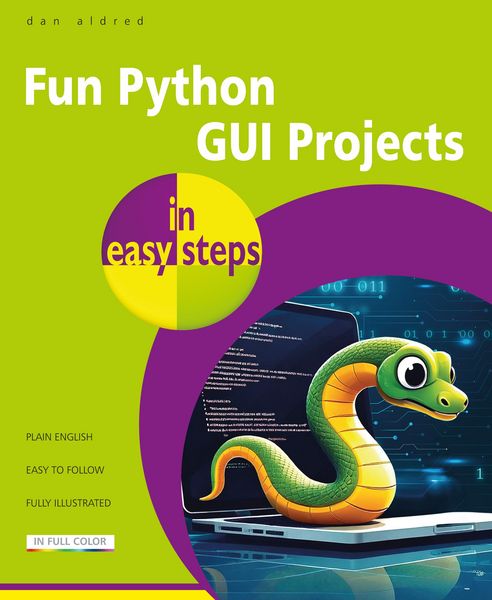
Produktbild: Fun Python GUI Projects in easy steps
Vorbesteller Neu

Fun Python GUI Projects in easy steps

18,99 €

inkl. gesetzl. MwSt., Versandkostenfrei

Lieferung nach Hause

Produktdetails

Einband

Taschenbuch

Erscheinungsdatum

24.07.2026

Verlag

In Easy Steps

Seitenzahl

192

Maße (L/B/H)

22,7/18,6/1 cm

Gewicht

323 g

Sprache

Englisch

ISBN

978-1-78791-039-3

Produktdetails

Einband

Taschenbuch

Erscheinungsdatum

24.07.2026

Verlag

In Easy Steps

Seitenzahl

192

Maße (L/B/H)

22,7/18,6/1 cm

Gewicht

323 g

Sprache

Englisch

ISBN

978-1-78791-039-3

EU-Ansprechpartner

Deltor Communications Ltd
Long Acre
PL12 6LZ Saltash
GB
enquiries@deltoruk.com

Herstelleradresse

In Easy Steps
16 Hamilton Terrace
CV32 4LY Leamington Spa
GB
tom@ineasysteps.com

Noch keine Bewertungen vorhanden

Verfassen Sie die erste Bewertung zu diesem Artikel

Helfen Sie anderen Kundinnen und Kunden durch Ihre Meinung.

Kundinnen und Kunden meinen

Bewertungen (0)

  • Produktbild: Fun Python GUI Projects in easy steps
    1. Hello GUI – understanding what a GUI (Graphical User Interface) is, and creating your first GUI
    2. Are you funnier than a hyena? Building a joke machine
    3. Making a F.A.R.T. box – a disgusting soundboard
    4. Photo Book. Build a GUI to show your favorite pics
    5. It’s just a prank, bro! Build a fake quiz to Rickroll your friends
    6. Are you a mind reader? Build a higher or lower guessing game
    7. Is your password secure? Build a password checker
    8. Are you faster than a superhero? Build a reaction game that measures your reaction time and calculates your reaction speed
    9. Bae or Bust calculator. Build a GUI that shows you what your Bae score is – how compatible you are with someone, based on their name
    10. Twisted timer. Build a countdown timer
    11. A classic game of Tic-Tac-Toe
    12. Pixel painter. Color in pixels to make pixel art
    • Appendix A – Installing Python on Microsoft Windows
    • Appendix B – Installing Python on other operating systems
    • Appendix C – Installing guizero on other operating systems and features of guizero
    • Appendix D – Downloading code and resources from GitHub
    • Appendix E – Creating and editing your own images