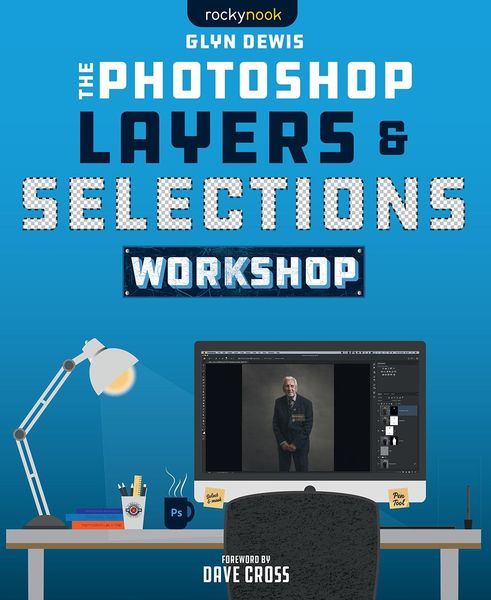
Photoshop Layers and Selections Workshop
1-
- Taschenbuch
- eBook ausgewählt
-
Form:Einzelkauf Download
-
Sprache:Englisch
-
eBook Format:PDF
- PDF 41,99 € ausgewählt
- ePUB 35,99 €
41,99 €
inkl. gesetzl. MwSt.Beschreibung
Produktdetails
Format
Kopierschutz
Ja
Family Sharing
Ja
Text-to-Speech
Nein
Erscheinungsdatum
28.05.2021
Verlag
Rocky NookSeitenzahl
240 (Printausgabe)
Dateigröße
42801 KB
Sprache
Englisch
EAN
9781681987323
Learn to harness the full power of layers and selections in Photoshop-and let your creativity soar!
Learning the basics of Photoshop is an admirable feat. Unfortunately, that's exactly where most people end their Photoshop journey-with a fundamental appreciation of the program and the ability to execute a few helpful techniques. But without a full understanding of and capability with layers and selections-arguably Photoshop's most powerful tools-you're leaving the vast majority of Photoshop's power and potential untapped.
Photographer and author Glyn Dewis's new book, The Photoshop Layers and Selections Workshop, is here to change all that. The author of the bestselling The Photoshop Toolbox, Photograph Like a Thief, and The Photoshop Workbook, Glyn focuses on layers and selections in this book, knowing that if you can learn and master these two features, you'll have everything you need to maximize Photoshop's potential, bring out the best in your work, and harness your full creativity.
In this book, you will:
-
.Start off with a detailed breakdown of the Photoshop workspace and how best to set it up for your workflow
-
.Learn everything you need to know to work like a pro with layers
-
.Conquer selections and cutouts, whether you're working with the Magic Wand Tool, Quick Selection Tool, Pen Tool, Select Subject feature, Color Range feature, or Vector Masks
-
.Dive into additional techniques to improve your skillset: color correction, composite blending, removing reddening in portraits, using Content Aware Fill to perfection, and more
Finally, in the last chapter, Glyn works through a start-to-finish project that brings all of the concepts together to show how they work in a real-world scenario.
TABLE OF CONTENTS Introduction Chapter 1: The Photoshop Workspace Chapter 2: Layers Chapter 3: Selections and Cut Outs Chapter 4: Additional Tips, Tricks, and Techniques Chapter 5: Complete ProjectKundinnen und Kunden meinen
Kurze Frage zu unserer Seite
Vielen Dank für dein Feedback
Wir nutzen dein Feedback, um unsere Produktseiten zu verbessern. Bitte habe Verständnis, dass wir dir keine Rückmeldung geben können. Falls du Kontakt mit uns aufnehmen möchtest, kannst du dich aber gerne an unseren Kund*innenservice wenden.
zum Kundenservice