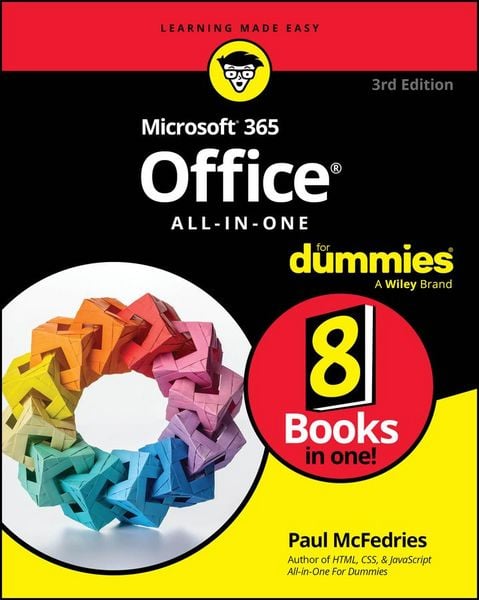
Microsoft 365 Office All-in-One For Dummies
-
- Taschenbuch ausgewählt
- eBook
-
Sprache:Englisch
36,99 €
inkl. gesetzl. MwSt.,
Lieferung nach Hause
Beschreibung
Produktdetails
Einband
Taschenbuch
Erscheinungsdatum
24.03.2025
Verlag
WileySeitenzahl
928
Maße (L/B/H)
23,4/18,6/5 cm
Gewicht
1202 g
Auflage
3. Auflage
Sprache
Englisch
ISBN
978-1-394-29505-0
Supercharge your productivity at the office and at home
Looking to familiarize yourself with the world's most popular and effective productivity apps? Then look no further than the latest edition of Office 365 All-in-One For Dummies, packed with 9 mini-books covering each of the super-apps included in the famous productivity suite from Microsoft. In the books, you'll get a handle on Word, Excel, PowerPoint, Outlook, Teams, Access, and more.
This convenient and authoritative collection will walk you through how to create and edit text documents in Word, make new spreadsheets in Excel, and set up virtual meetings in Teams. You'll also learn how to:
- Use pro-level keyboard shortcuts and speed techniques to accelerate your productivity
- Use Microsoft's new AI-powered Copilot to get help and even write and edit your documents
- Leverage SharePoint and OneDrive to share documents and collaborate remotely with colleagues
Office 365 All-in-One For Dummies is the first and last resource you'll need to reach for when you've got a question about Microsoft's ubiquitous productivity tools. It's perfect for newbies looking to get started and power users looking for fresh tips on the latest features. Grab your copy today!
Noch keine Bewertungen vorhanden
Verfassen Sie die erste Bewertung zu diesem Artikel
Helfen Sie anderen Kundinnen und Kunden durch Ihre Meinung.
Kurze Frage zu unserer Seite
Vielen Dank für dein Feedback
Wir nutzen dein Feedback, um unsere Produktseiten zu verbessern. Bitte habe Verständnis, dass wir dir keine Rückmeldung geben können. Falls du Kontakt mit uns aufnehmen möchtest, kannst du dich aber gerne an unseren Kund*innenservice wenden.
zum Kundenservice