Beschreibung
Produktdetails
Einband
Taschenbuch
Erscheinungsdatum
30.11.2023
Verlag
John Wiley & SonsSeitenzahl
496
Maße (L/B/H)
18,8/23,5/3,1 cm
Gewicht
1028 g
Auflage
1. Auflage
Sprache
Englisch
ISBN
978-1-394-21959-9
Get in touch with your creative side using Photoshop Elements
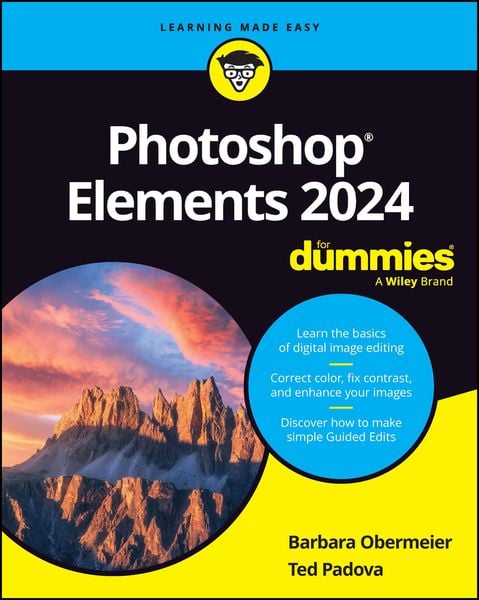
Photoshop Elements 2024 For Dummies covers the newest version of Adobe's beginner-friendly photo editing software. With the help of this Dummies guide, you'll discover the ins and outs of Photoshop Elements, so you can transform your images from ordinary to extraordinary. The software is packed with all the photo editing tools you need to turn your images into showstoppers. With the help of the easy-to-understand instructions in this book, you'll learn how to use the editing tools, utilize layers, make one-click fixes, brighten colors, add filters, and beyond.
* Get started with Photoshop Elements and make basic edits in quick mode
* Create different views of an image and use the history panel to find the best version of your image
* Replace backgrounds, merge photos, and do other neat editing tricks
* Understand camera raw to turn your camera's image data into a stunning photo
This bestselling Dummies guide is the book you need to get started with Elements and learn the insider tips that will give your images that "wow factor."
Photoshop Elements 2024 For Dummies covers the newest version of Adobe's beginner-friendly photo editing software. With the help of this Dummies guide, you'll discover the ins and outs of Photoshop Elements, so you can transform your images from ordinary to extraordinary. The software is packed with all the photo editing tools you need to turn your images into showstoppers. With the help of the easy-to-understand instructions in this book, you'll learn how to use the editing tools, utilize layers, make one-click fixes, brighten colors, add filters, and beyond.
* Get started with Photoshop Elements and make basic edits in quick mode
* Create different views of an image and use the history panel to find the best version of your image
* Replace backgrounds, merge photos, and do other neat editing tricks
* Understand camera raw to turn your camera's image data into a stunning photo
This bestselling Dummies guide is the book you need to get started with Elements and learn the insider tips that will give your images that "wow factor."
Noch keine Bewertungen vorhanden
Verfassen Sie die erste Bewertung zu diesem Artikel
Helfen Sie anderen Kundinnen und Kunden durch Ihre Meinung.
Kurze Frage zu unserer Seite
Vielen Dank für dein Feedback
Wir nutzen dein Feedback, um unsere Produktseiten zu verbessern. Bitte habe Verständnis, dass wir dir keine Rückmeldung geben können. Falls du Kontakt mit uns aufnehmen möchtest, kannst du dich aber gerne an unseren Kund*innenservice wenden.
zum Kundenservice