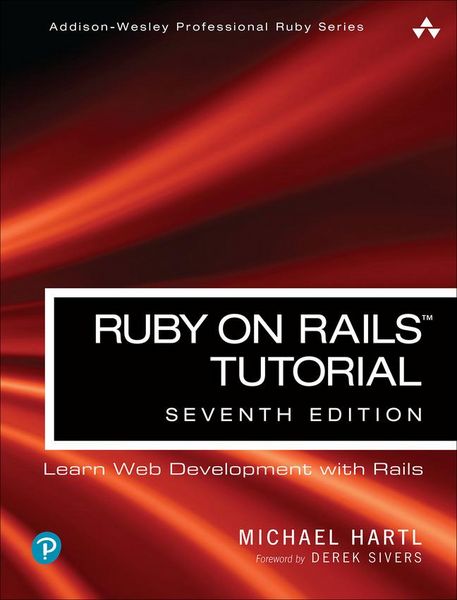
Ruby on Rails Tutorial Learn Web Development with Rails
-
- Taschenbuch ausgewählt
- eBook
-
Sprache:Englisch
55,99 €
inkl. gesetzl. MwSt.,
Beschreibung
Produktdetails
Einband
Taschenbuch
Erscheinungsdatum
12.11.2022
Verlag
Pearson AcademicSeitenzahl
896
Maße (L/B/H)
23,1/18/4,6 cm
Gewicht
1424 g
Auflage
7th edition
Sprache
Englisch
ISBN
978-0-13-804984-3
Used by sites as varied as Hulu, GitHub, Shopify, and Airbnb, Ruby on Rails is one of the most popular frameworks for developing web applications, but it can be challenging to learn and use. Whether you're new to web development or new only to Rails, Ruby on RailsTM Tutorial, Seventh Edition, is the solution.
Best-selling author and leading Rails developer Michael Hartl teaches Rails by guiding you through the development of three example applications of increasing sophistication. The tutorial's examples focus on the general principles of web development needed for virtually any kind of website. The updates to this edition include full compatibility with Rails 7.
This indispensable guide provides integrated tutorials not only for Rails, but also for the essential Ruby, HTML, CSS, and SQL skills you need when developing web applications. Hartl explains how each new technique solves a real-world problem, and then he demonstrates it with bite-sized code that's simple enough to understand while still being useful. Whatever your previous web-development experience, this book will guide you to true Rails mastery.
This book will help you
- Set up your Rails development environment
- Record version changes with Git and create a secure remote repository at GitHub
- Deploy your applications early and often with Heroku
- Go beyond generated code to truly understand how to build Rails applications from scratch
- Learn testing and test-driven development (TDD)
- Effectively use the model-view-controller (MVC) pattern
- Structure applications using the REST architecture
- Build static pages and transform them into dynamic ones
- Master the Ruby programming skills all Rails developers need
- Create high-quality site layouts and data models
- Implement registration and authentication systems, including validation and secure passwords
- Update, display, and delete users
- Upload and display images using Active Storage and Amazon S3
- Implement account activation and password reset, including sending email with Rails
- Integrate JavaScript with Rails using Importmap
- Add social features and microblogging, including an introduction to Hotwire and Turbo
"Ruby on RailsTM Tutorial by Michael Hartl has become a must-read for developers learning how to build Rails apps."
--Peter Cooper, Editor of Ruby Inside
Register your book for convenient access to downloads, updates, and/or corrections as they become available. See inside book for details.
Noch keine Bewertungen vorhanden
Verfassen Sie die erste Bewertung zu diesem Artikel
Helfen Sie anderen Kundinnen und Kunden durch Ihre Meinung.
Kurze Frage zu unserer Seite
Vielen Dank für dein Feedback
Wir nutzen dein Feedback, um unsere Produktseiten zu verbessern. Bitte habe Verständnis, dass wir dir keine Rückmeldung geben können. Falls du Kontakt mit uns aufnehmen möchtest, kannst du dich aber gerne an unseren Kund*innenservice wenden.
zum Kundenservice