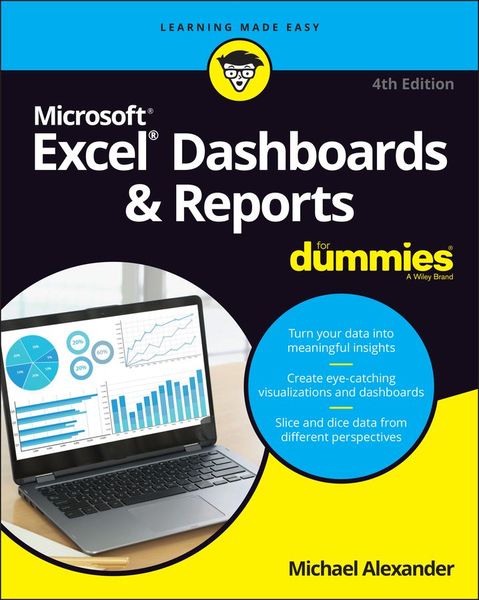
Excel Dashboards & Reports For Dummies
-
- Taschenbuch ausgewählt
- eBook
-
Sprache:Englisch
37,99 €
inkl. gesetzl. MwSt.,
Lieferung nach Hause
Beschreibung
Produktdetails
Einband
Taschenbuch
Erscheinungsdatum
23.05.2022
Verlag
John Wiley & Sons IncSeitenzahl
384
Maße (L/B/H)
23,4/19,1/2,7 cm
Gewicht
733 g
Auflage
4. Auflage
Sprache
Englisch
ISBN
978-1-119-84439-6
Beneath the seemingly endless rows and columns of cells, the latest version of Microsoft Excel boasts an astonishing variety of features and capabilities. But how do you go about tapping into some of that power without spending all of your days becoming a spreadsheet guru?
It's easy. You grab a copy of the newest edition of Excel Dashboards & Reports For Dummies and get ready to blow the pants off your next presentation audience!
With this book, you'll learn how to transform those rows and columns of data into dynamic reports, dashboards, and visualizations. You'll draw powerful new insights from your company's numbers to share with your colleagues - and seem like the smartest person in the room while you're doing it.
Excel Dashboards & Reports For Dummies offers:
* Complete coverage of the latest version of Microsoft Excel provided in the Microsoft 365 subscription
* Strategies to automate your reporting so you don't have to manually crunch the numbers every week, month, quarter, or year
* Ways to get new perspectives on old data, visualizing it so you can find solutions no one else has seen before
If you're ready to make your company's numbers and spreadsheets dance, it's time to get the book that'll have them moving to your tune in no time. Get Excel Dashboards & Reports For Dummies today.
Noch keine Bewertungen vorhanden
Verfassen Sie die erste Bewertung zu diesem Artikel
Helfen Sie anderen Kundinnen und Kunden durch Ihre Meinung.
Kurze Frage zu unserer Seite
Vielen Dank für dein Feedback
Wir nutzen dein Feedback, um unsere Produktseiten zu verbessern. Bitte habe Verständnis, dass wir dir keine Rückmeldung geben können. Falls du Kontakt mit uns aufnehmen möchtest, kannst du dich aber gerne an unseren Kund*innenservice wenden.
zum Kundenservice