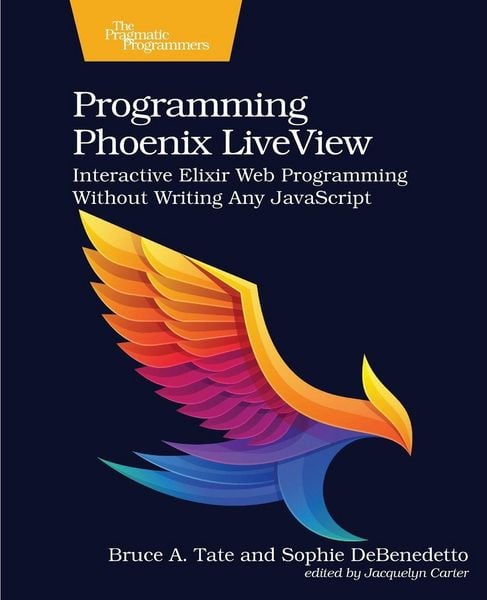
Programming Phoenix LiveView Interactive Elixir Web Programming Without Writing Any JavaScript
-
- Englisch ausgewählt
55,99 €
inkl. gesetzl. MwSt.,
Lieferung nach Hause
Beschreibung
Produktdetails
Einband
Taschenbuch
Erscheinungsdatum
07.04.2026
Verlag
The Pragmatic ProgrammersSeitenzahl
370
Maße (L/B/H)
23/19/2,7 cm
Gewicht
753 g
Sprache
Englisch
ISBN
978-1-68050-821-5
Build highly interactive applications without ever leaving Elixir, the way the experts do. Let LiveView take care of performance, scalability, security, and keeping the browser up to date.
The days of the traditional request-response web application are long gone, but you don't have to wade through oceans of JavaScript to build the interactive applications today's users crave. The innovative Phoenix LiveView library empowers you to build applications that are fast and highly interactive, without sacrificing reliability. This definitive guide to LiveView isn't a reference manual. Learn to think in LiveView. Write your code layer by layer, the way the experts do. Explore techniques with experienced teachers to get the best possible performance.
Instead of settling for traditional manuals and tutorials, get insights that can only be learned from experience. Start with the Elixir language techniques that effortlessly marry your client templates and server-side handlers. Design your systems with the right layers in the right places so that your code is easier to understand, change, and support. Explore features like multi-part uploads and learn how to comprehensively test your live views. Roll into advanced techniques to tie your code to other services through the powerful publish-subscribe interface.LiveView brings the most important programming techniques from the popular Elm and JavaScript React frameworks to Elixir. You'll experience firsthand how to harness that power by working side by side with some of the first LiveView users. You will write your programs to change data on the server, and you'll see how LiveView efficiently detects those changes and reflects them on the web page. Start from scratch, use built-in generators, and craft reusable components. Your single-purpose reducers will transform server data that your renderers can turn into efficient client-side diffs.
Don't settle for knowing how things work. To get the most out of LiveView, you need to know why they work that way. Co-authored by one of the most prolific authors and teachers in all of Elixir, this book is your perfect guide to one of the most important new frameworks of our generation.
What You Need:
Programming Phoenix LiveView uses Phoenix version 1.5, and any Elixir version compatible with it. You will also want PostgreSQL and JavaScript Node.
Kundinnen und Kunden meinen
Verfassen Sie die erste Bewertung zu diesem Artikel
Helfen Sie anderen Kund*innen durch Ihre Meinung
Kurze Frage zu unserer Seite
Vielen Dank für dein Feedback
Wir nutzen dein Feedback, um unsere Produktseiten zu verbessern. Bitte habe Verständnis, dass wir dir keine Rückmeldung geben können. Falls du Kontakt mit uns aufnehmen möchtest, kannst du dich aber gerne an unseren Kund*innenservice wenden.
zum Kundenservice