Beschreibung
Produktdetails
Einband
Taschenbuch
Erscheinungsdatum
14.12.2021
Verlag
John Wiley & Sons IncSeitenzahl
784
Maße (L/B/H)
23,4/18,9/4,4 cm
Gewicht
1032 g
Auflage
1. Auflage
Sprache
Englisch
ISBN
978-1-119-83072-6
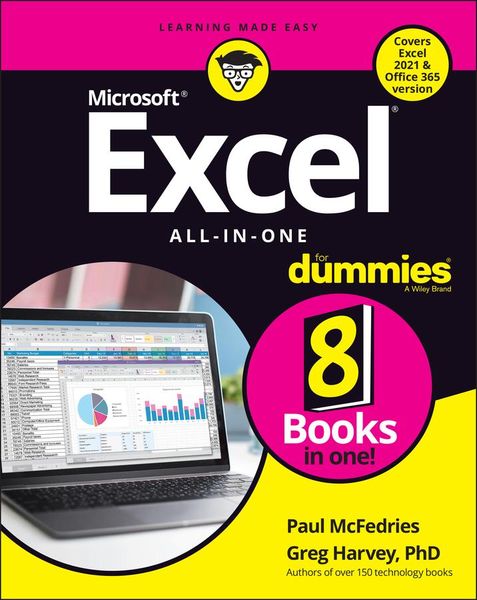
Excel-erate your productivity with the only guide you'll need to the latest versions of Microsoft Excel
Microsoft Excel offers unsurpassed functionality and accessibility for data exploration and analysis to millions of users around the world. And learning to unlock its full potential is easier than you can imagine with help from Excel All-in-One For Dummies.
Follow along with Excel expert and veteran author Paul McFedries as he walks you through every feature and technique you need to know to get the most out of this powerful software. You'll learn how to design worksheets, use formulas and functions, collaborate with colleagues and review their work, create charts and graphics, manage and analyze data, and create macros. Plus, you'll discover all the capabilities Microsoft has included in the newest versions of Excel, including dark mode and accessibility features.
This indispensable reference allows you to:
* Get a firm grasp of Excel basics with the book's step-by-step guides before moving on to more advanced topics, like data analysis
* Access up-to-date information on all the new versions of Excel, including the ones bundled with Microsoft 365, Office 2021, and the LTSC/Enterprise Edition
* Enjoy the convenience of a single, comprehensive resource detailing everything you need to know about Excel
Perfect for people coming to Excel for the very first time, Excel All-in-One For Dummies, Office 2021 Edition is also a must-read resource for anyone looking for a refresher on foundational or advanced Excel techniques.
Microsoft Excel offers unsurpassed functionality and accessibility for data exploration and analysis to millions of users around the world. And learning to unlock its full potential is easier than you can imagine with help from Excel All-in-One For Dummies.
Follow along with Excel expert and veteran author Paul McFedries as he walks you through every feature and technique you need to know to get the most out of this powerful software. You'll learn how to design worksheets, use formulas and functions, collaborate with colleagues and review their work, create charts and graphics, manage and analyze data, and create macros. Plus, you'll discover all the capabilities Microsoft has included in the newest versions of Excel, including dark mode and accessibility features.
This indispensable reference allows you to:
* Get a firm grasp of Excel basics with the book's step-by-step guides before moving on to more advanced topics, like data analysis
* Access up-to-date information on all the new versions of Excel, including the ones bundled with Microsoft 365, Office 2021, and the LTSC/Enterprise Edition
* Enjoy the convenience of a single, comprehensive resource detailing everything you need to know about Excel
Perfect for people coming to Excel for the very first time, Excel All-in-One For Dummies, Office 2021 Edition is also a must-read resource for anyone looking for a refresher on foundational or advanced Excel techniques.
Noch keine Bewertungen vorhanden
Verfassen Sie die erste Bewertung zu diesem Artikel
Helfen Sie anderen Kundinnen und Kunden durch Ihre Meinung.
Kurze Frage zu unserer Seite
Vielen Dank für dein Feedback
Wir nutzen dein Feedback, um unsere Produktseiten zu verbessern. Bitte habe Verständnis, dass wir dir keine Rückmeldung geben können. Falls du Kontakt mit uns aufnehmen möchtest, kannst du dich aber gerne an unseren Kund*innenservice wenden.
zum Kundenservice