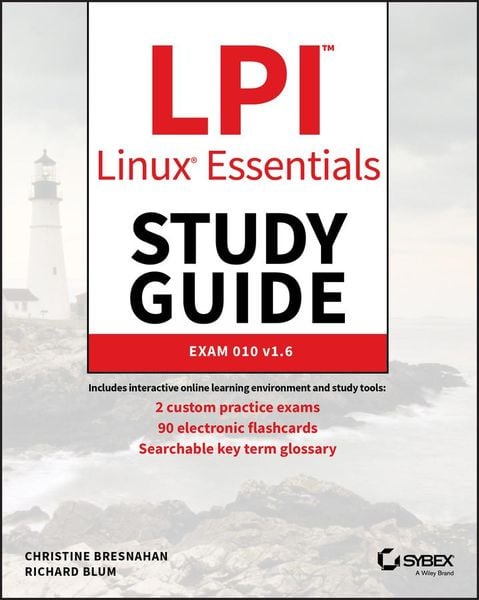
LPI Linux Essentials Study Guide Exam 010 v1.6
-
- Taschenbuch ausgewählt
- eBook
-
Sprache:Englisch
45,99 €
inkl. gesetzl. MwSt.,
Beschreibung
Produktdetails
Einband
Taschenbuch
Erscheinungsdatum
29.01.2020
Verlag
John Wiley & SonsSeitenzahl
416
Maße (L/B/H)
23,3/18,9/2,5 cm
Gewicht
696 g
Auflage
3. Auflage
Sprache
Englisch
ISBN
978-1-119-65769-9
Provides a solid foundation for those considering a career in IT-covers the objectives of the new Linux Essentials Exam 010-160 v1.6
Linux is a secure, reliable, open source alternative to costly operating systems such as Microsoft Windows. As large organizations worldwide continue to add Linux servers, the need for IT professionals skilled in Linux continues to grow. The LPI Linux Essentials Study Guide is a valuable resource for anyone preparing to take the new Linux Essentials Exam-the entry-level certification from The Linux Professional Institute (LPI) which validates knowledge of Linux concepts and applications.
Written by recognized experts on Linux and open source technologies, this accessible, user-friendly guide covers desktop skills, the command line, directories and files, networks, scripting, security, users and permissions, and much more. Clear, concise chapters provide numerous hands-on tutorials, real-world examples, color illustrations, and practical end-of-chapter exercises and review questions. An ideal introduction for those new to Linux or considering a career in IT, this guide helps readers:
- Learn the operation and components of Linux desktops and servers
- Understand open source software, licensing, and applications
- Configure networks, security, cloud services, storage, and devices
- Create users and groups and set permissions and ownership
- Use the command line and build automation scripts
LPI Linux Essentials Study Guide: Exam 010 v1.6 is perfect for anyone beginning a career in IT, newcomers to Linux, students in computer courses, and system administrators working with other operating systems wanting to learn more about Linux and other open source solutions.
Noch keine Bewertungen vorhanden
Verfassen Sie die erste Bewertung zu diesem Artikel
Helfen Sie anderen Kundinnen und Kunden durch Ihre Meinung.
Kurze Frage zu unserer Seite
Vielen Dank für dein Feedback
Wir nutzen dein Feedback, um unsere Produktseiten zu verbessern. Bitte habe Verständnis, dass wir dir keine Rückmeldung geben können. Falls du Kontakt mit uns aufnehmen möchtest, kannst du dich aber gerne an unseren Kund*innenservice wenden.
zum Kundenservice