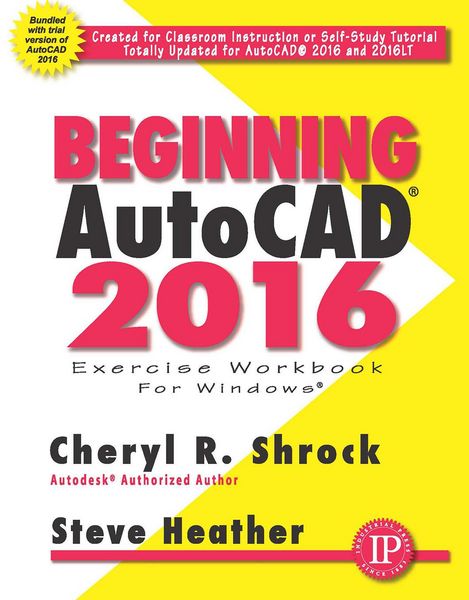
Beginning AutoCAD® 2016
-
- Taschenbuch
- eBook ausgewählt
-
Form:Einzelkauf Download
-
Sprache:Englisch
71,49 €
inkl. gesetzl. MwSt.Beschreibung
Produktdetails
Format
ePUB
Kopierschutz
Nein
Family Sharing
Nein
Text-to-Speech
Ja
Erscheinungsdatum
28.05.2015
Verlag
Industrial Press, Inc.Seitenzahl
600 (Printausgabe)
Dateigröße
35280 KB
Sprache
Englisch
EAN
9780831193263
Overview
For Use with the PC version of AutoCAD 2016 only
Beginning AutoCAD 2016 Exercise Workbook is the right book for users new to AutoCAD or who want to brush up on the basics. This is a clear, no nonsense, easy-to-follow text that helps user learn AutoCAD quickly and easily. All exercises print easily on a standard 8 ¿" x 11" printer.
Beginning AutoCAD 2016 leads you step by step through 30 lessons that …
- Provide detailed instructions, followed by exercises (which print on
- 8 1/2" x 11" paper) for practicing the commands you just learned.
- Start very simple and progress to higher level skills.
- Introduce you to the drawing commands first.
- Show you how to create your own setup drawings.
New Features include …
- Start Tab page, containing two sliding content frams called Learn and Create, enabling you to quickly access recent drawing files, templates, product updates, and online resources.
- DIM command, allowing you to create dimensions based on a selected object.
- Text Frame property, used to easily create a border around text.
- Text Wrap in dimensions.
- Closed Polyline Snapping.
- Rectangular and Polygonal Revision Clouds.
Improved Features include …
- Enhanced Status Bar, giving you greater control of the tools you want displayed
- The Command Preview also is enhanced to allow for the Blend, Erase, Scale, Stretch, and Rotate commands.
- Improved graphics include Line Smoothing and the display of perfect curves.
Noch keine Bewertungen vorhanden
Verfassen Sie die erste Bewertung zu diesem Artikel
Helfen Sie anderen Kundinnen und Kunden durch Ihre Meinung.
Kurze Frage zu unserer Seite
Vielen Dank für dein Feedback
Wir nutzen dein Feedback, um unsere Produktseiten zu verbessern. Bitte habe Verständnis, dass wir dir keine Rückmeldung geben können. Falls du Kontakt mit uns aufnehmen möchtest, kannst du dich aber gerne an unseren Kund*innenservice wenden.
zum Kundenservice