Adobe Photoshop Elements 7 Classroom in a Book
-
- Taschenbuch
- eBook ausgewählt
-
Form:Einzelkauf Download
-
Sprache:Englisch
21,99 €
inkl. gesetzl. MwSt.Beschreibung
Produktdetails
Format
ePUB
Kopierschutz
Nein
Family Sharing
Nein
Text-to-Speech
Ja
Erscheinungsdatum
22.04.2010
Verlag
Pearson ITPSeitenzahl
400 (Printausgabe)
Dateigröße
31036 KB
Auflage
1. Auflage
Sprache
Englisch
EAN
9780132089128
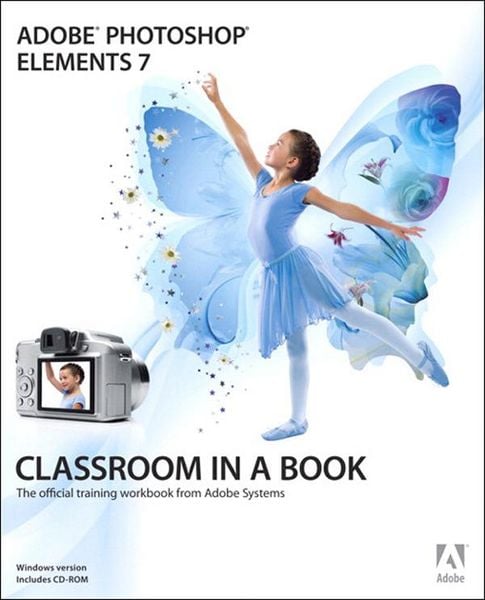
The fastest, easiest, most comprehensive way to learn Adobe Photoshop Elements Classroom in a Book®, the best-selling series of hands-on software training workbooks, helps you learn the features of Adobe software quickly and easily. Classroom in a Book off ers what no other book or training program does-an official training series from Adobe Systems Incorporated, developed with the support of Adobe product experts. Adobe Photoshop Elements 7 Classroom in a Book contains 11 lessons. The book covers the basics of learning Adobe Photoshop Elements and provides countless tips and techniques to help you become more productive with the program. You can follow the book from start to finish or choose only those lessons that interest you. TABLE OF CONTENTS: GETTING STARTED 1 A QUICK TOUR OF PHOTOSHOP ELEMENTS 2 BASIC ORGANIZING 3 ADVANCED ORGANIZING 4 CREATING PROJECTS 5 PRINTING, SHARING, AND EXPORTING 6 ADJUSTING COLOR IN IMAGES 7 FIXING EXPOSURE PROBLEMS 8 REPAIRING AND RETOUCHING IMAGES 9 WORKING WITH TEXT 10 COMBINING MULTIPLE IMAGES 11 ADVANCED EDITING TECHNIQUES "The Classroom in a Book series is by far the best training material on the market. Everything you need to master the software is included: clear explanations of each lesson, step-by-step instructions, and the project files for the students." Barbara Binder Adobe Certified Instructor Rocky Mountain Training
All of Peachpit's eBooks contain the same content as the print edition. You will find a link in the last few pages of your eBook that directs you to the media files. Helpful tips:
· If you are able to search the book, search for "Where are the lesson files?"
· Go to the very last page of the book and scroll backwards.
· You will need a web-enabled device or computer in order to access the media files that accompany this ebook. Entering the URL supplied into a computer with web access will allow you to get to the files.
· Depending on your device, it is possible that your display settings will cut off part of the URL. To make sure this is not the case, try reducing your font size and turning your device to a landscape view. This should cause the full URL to appear.
Noch keine Bewertungen vorhanden
Verfassen Sie die erste Bewertung zu diesem Artikel
Helfen Sie anderen Kundinnen und Kunden durch Ihre Meinung.
Kurze Frage zu unserer Seite
Vielen Dank für dein Feedback
Wir nutzen dein Feedback, um unsere Produktseiten zu verbessern. Bitte habe Verständnis, dass wir dir keine Rückmeldung geben können. Falls du Kontakt mit uns aufnehmen möchtest, kannst du dich aber gerne an unseren Kund*innenservice wenden.
zum Kundenservice