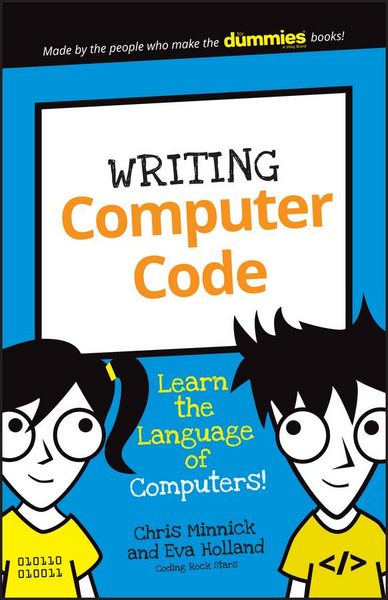
Produktbild: Writing Computer Code

Writing Computer Code Learn the Language of Computers!

9,99 €

inkl. gesetzl. MwSt., Versandkostenfrei

Lieferung nach Hause

Beschreibung

Produktdetails

Einband

Taschenbuch

Altersempfehlung

8 - 11 Jahr(e)

Erscheinungsdatum

27.06.2016

Verlag

Wiley

Seitenzahl

128

Maße (L/B/H)

21,6/13,6/1 cm

Gewicht

214 g

Sprache

Englisch

ISBN

978-1-119-17730-2

Beschreibung

Produktdetails

Einband

Taschenbuch

Altersempfehlung

8 - 11 Jahr(e)

Erscheinungsdatum

27.06.2016

Verlag

Wiley

Seitenzahl

128

Maße (L/B/H)

21,6/13,6/1 cm

Gewicht

214 g

Sprache

Englisch

ISBN

978-1-119-17730-2

Herstelleradresse

Libri GmbH
Europaallee 1
36244 Bad Hersfeld
DE

Email: [email protected]

Kundinnen und Kunden meinen

0 Bewertungen

Informationen zu Bewertungen

Zur Abgabe einer Bewertung ist eine Anmeldung im Konto notwendig. Die Authentizität der Bewertungen wird von uns nicht überprüft. Wir behalten uns vor, Bewertungstexte, die unseren Richtlinien widersprechen, entsprechend zu kürzen oder zu löschen.

Die Bewertungen sind nach Format, Anzahl Sterne und Datum sortiert.

Verfassen Sie die erste Bewertung zu diesem Artikel

Helfen Sie anderen Kund*innen durch Ihre Meinung

Kundinnen und Kunden meinen

0 Bewertungen filtern

Die Leseprobe wird geladen.
  • Produktbild: Writing Computer Code
  • Introduction 1

    About This Book 1

    About You 2

    About The Icons 3

    The First Step 4

    Project 1: Becoming a Programmer 5

    What Is Programming? 5

    How can you talk to computers? 10

    What languages will you learn? 14

    Gathering Your Tools 18

    Getting your browser ready 18

    Working with JSFiddle 19

    Sharing Your Fiddle 27

    Summary 28

    Project 2: Gathering the Parts to Build Your Robot 2 9

    Saying What You Mean 30

    Making a statement 31

    Following the rules 33

    Giving and Receiving Data 34

    Knowing Your Operands and?@Operators 39

    Introducing the Super-Calculator 40

    Forking the Super-Calculator 41

    Using the Super-Calculator 42

    Super-calculating with text 44

    Summary 47

    Project 3: Building Your Robot's Body 48

    Writing HTML 48

    Seeing what text looks like without HTML 49

    Using HTML: It's all about the tags 50

    Nesting HTML tags 52

    Writing your first HTML document 54

    Knowing your HTML elements 56

    Introducing Douglas the Robot 58

    Changing HTML Using JavaScript 4

    Summary 66

    Project 4: Giving Your Robot Style 67

    Giving Douglas Style 68

    Getting the Basics of CSS 69

    CSS selectors 70

    CSS declarations 74

    CSS properties 76

    Colorizing Douglas 78

    Using CSS colors 78

    Changing colors 81

    Customizing Your Own Robot 84

    Summary 85

    Project 5: Animating Your Robot 87

    Changing CSS with JavaScript 87

    Modifying Douglas with JavaScript 89

    Experimenting with Douglas 92

    Making Douglas Dance 94

    Creating Animations with JavaScript 97

    Animating another element 100

    Using a second animation function 100

    Summary 104

    Project 6: Creating a JavaScript Word Game 105

    Creating a Variable Story 105

    Creating the Word Replacement Game 106

    Writing the HTML 108

    Styling the Word Game 111

    Writing the JavaScript Code 114

    Finishing the Program 117