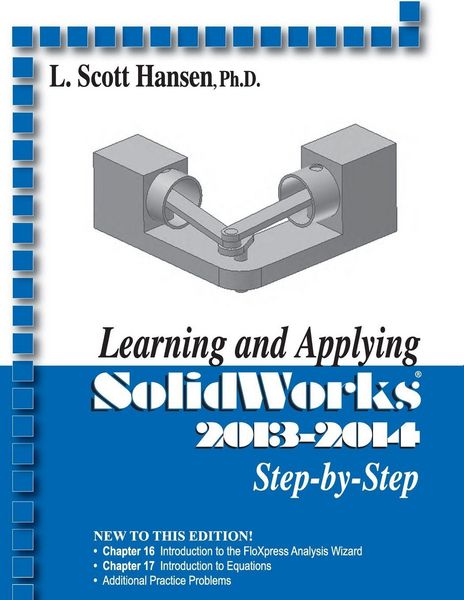
Produktbild: Learning and Applying Solidworks 2013-2014

Learning and Applying Solidworks 2013-2014

84,99 €

inkl. gesetzl. MwSt., Versandkostenfrei


Beschreibung

Produktdetails

Einband

Taschenbuch

Erscheinungsdatum

09.08.2013

Verlag

Industrial Press

Seitenzahl

578

Maße (L/B/H)

27,9/21,5/3,5 cm

Gewicht

1293 g

Auflage

2013-2014 edition

Sprache

Englisch

ISBN

978-0-8311-3483-9

Beschreibung

Produktdetails

Einband

Taschenbuch

Erscheinungsdatum

09.08.2013

Verlag

Industrial Press

Seitenzahl

578

Maße (L/B/H)

27,9/21,5/3,5 cm

Gewicht

1293 g

Auflage

2013-2014 edition

Sprache

Englisch

ISBN

978-0-8311-3483-9

Herstelleradresse

Libri GmbH
Europaallee 1
36244 Bad Hersfeld
DE

Email: GPSR Kontakt

Noch keine Bewertungen vorhanden

Verfassen Sie die erste Bewertung zu diesem Artikel

Helfen Sie anderen Kundinnen und Kunden durch Ihre Meinung.

Kundinnen und Kunden meinen

Bewertungen (0)

  • Produktbild: Learning and Applying Solidworks 2013-2014
  • Getting Started

    • Create a simple sketch using the Sketch commands

    • Dimension a sketch using the Smart Dimension command

    • Extrude a sketch using the Features commands. Create a fillet using the Fillet command

    • Create a hole using the Extruded Cut command

    • Create a counter bore using the Hole Wizard command


    Learning More Basics

    • Revolve a sketch using the Revolve Boss/Base command

    • Create a hole using the Extruded Cut command

    • Create a series of holes using the Circular Pattern command


    Learning to Detail Part Drawings

    • Create an Orthographic View using the Drawing commands


    Advanced Detail Drawing Procedures

    • Create an Auxiliary View using the Drawing commands

    • Create a Section View using the Drawing commands

    • Dimension views using the Drawing commands

    • Create Text using the Drawing Annotation commands


    Learning to Edit Existing Solid Models

    • Edit the part using the Edit Sketch command

    • Edit the part using the Edit Feature command


    Advanced Design Procedures

    • Learn to use the Front, Top, and Right Planes

    • Learn to use the Wireframe viewing command

    • Learn to Convert Entities on to a new sketch

    • Learn to use the Shell command


    Introduction to Assembly View Procedures

    • Learn to insert existing solid models into the Assembly commands

    • Learn to constrain all parts using the Mate command

    • Learn to edit/modify parts while in the Assembly command

    • Learn to simulate motion using the Motion Study command


    Introduction to Advanced Commands

    • Learn to use the Swept Boss/Base Command. Learn to use the Plane command

    • Learn to use the Lofted Boss/Base command


    Introduction to SimulationXpress

    • Learn to run an analysis on a part

    • Learn to interpret an analysis on a part


    Introduction to Mechanical Mates

    • Learn to use the Cam mechanical mate

    Advanced Work Plane Procedures


    • Learn to create points on a solid model

    • Learn to create an offset work plane

    • Learn to create an offset Extruded cut


    Introduction to Creating a Helix

    • Learn how to create a Helix


    Introduction to Importing .DWG files

    • Learn to create a simple .DWG file

    • Learn to import a .DWG file into a 1 view drawing

    • Learn to import a .DWG file into the solid model area and create a solid model


    Introduction to the Design Library

    • Learn to add toolbox

    • Learn to create part

    • Learn to edit properties


    Introduction to Flow Analysis
    Introduction to Formulas and Equations