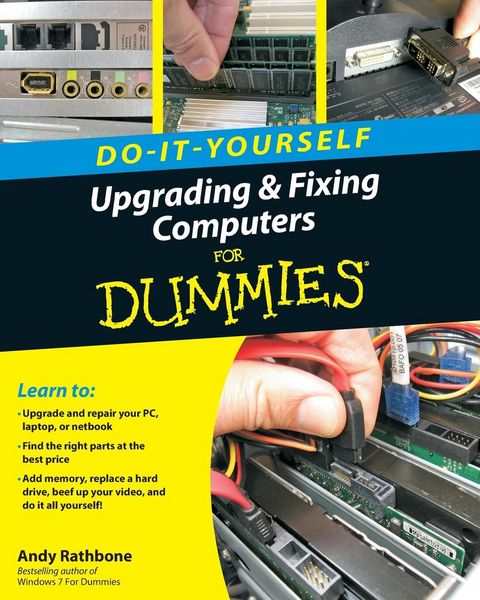
Do-It-Yourself Upgrading & Fixing Computer for Dummies
-
- Taschenbuch ausgewählt
- eBook
-
Sprache:Englisch
23,99 €
inkl. gesetzl. MwSt.,
Beschreibung
Produktdetails
Einband
Taschenbuch
Erscheinungsdatum
22.09.2010
Abbildungen
Photos: 100 B&W, 0 Color; Drawings: 100 B&W, 0 Color; Screen captures: 100 B&W, 0 Color
Verlag
John Wiley & SonsSeitenzahl
340
Maße (L/B/H)
25,4/20,3/1,8 cm
Gewicht
735 g
Auflage
1. Auflage
Sprache
Englisch
ISBN
978-0-470-55743-3
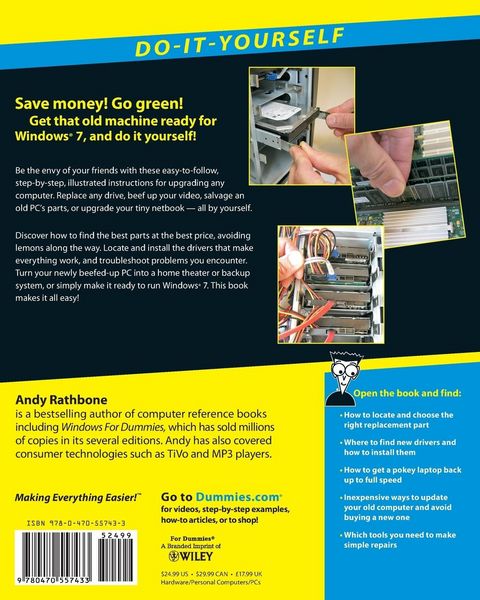
Whether you want to prepare your computer for Windows 7, avoid investing in a new one, or just "go green", this fully illustrated guide has what you need. You'll learn how to add printers and new keyboards, boost your PC's performance and increase memory, improve power consumption, rev up your multimedia capacity, and much more. Step-by-step instructions are accompanied by photos that show you exactly what you should see at every stage.
* Learn to perform basic upgrades and prepare your PC for high-speed Internet connections, network connections, and added security, all with fully illustrated instructions
* Find out how to expand memory, enhance speed, and update your computer's power supply
* Prepare an old computer for Windows 7 and beef up your capacity for multimedia
Upgrading & Fixing Computers Do-It-Yourself For Dummies is a show-and-tell course in making your PC happy, healthy, and green.
Noch keine Bewertungen vorhanden
Verfassen Sie die erste Bewertung zu diesem Artikel
Helfen Sie anderen Kundinnen und Kunden durch Ihre Meinung.
Kurze Frage zu unserer Seite
Vielen Dank für dein Feedback
Wir nutzen dein Feedback, um unsere Produktseiten zu verbessern. Bitte habe Verständnis, dass wir dir keine Rückmeldung geben können. Falls du Kontakt mit uns aufnehmen möchtest, kannst du dich aber gerne an unseren Kund*innenservice wenden.
zum Kundenservice