Beschreibung
Produktdetails
Einband
Taschenbuch
Erscheinungsdatum
14.02.2007
Abbildungen
Illustrationen, nicht spezifiziert
Verlag
Osborne mcgraw-hillSeitenzahl
530
Maße (L/B/H)
23,5/19,1/2,8 cm
Gewicht
978 g
Sprache
Englisch
ISBN
978-0-07-226393-0
Publisher's Note: Products purchased from Third Party sellers are not guaranteed by the publisher for quality, authenticity, or access to any online entitlements included with the product.
Get more out of the latest version of Adobe Acrobat than ever!
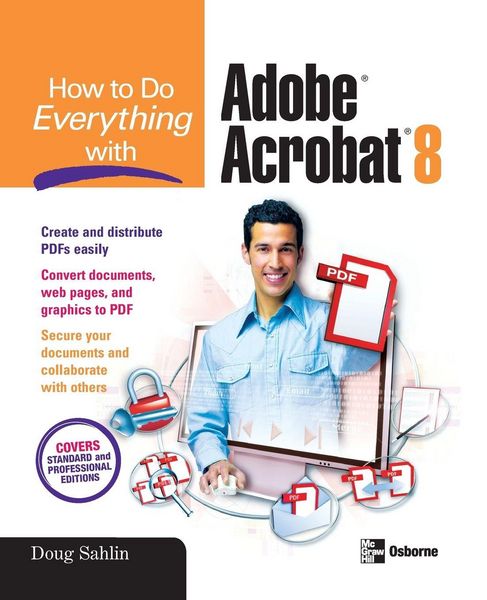
Create and share sophisticated electronic documents easily using Adobe Acrobat 8 and the helpful tips in this hands-on guide. How to Do Everything with Adobe Acrobat 8 shows you how to generate Adobe PDF files that retain the look and feel of the original documents, edit PDFs, collaborate with other users, and optimize PDFs for print or the web. You'll also learn to secure your PDFs and maintain document integrity. Covering both Adobe Acrobat Standard and Professional editions, this book makes it easy for you to take full advantage of all the new and improved features of this powerful program.
- Open, view, and search PDFs
- Convert virtually any document to PDF
- Capture PDFs from a scanner or web page
- Create navigation devices, including bookmarks, thumbnails, and links
- Add interactivity with actions
- Review, edit, and annotate PDFs
- Add digital signatures and apply document security
- Optimize documents for print, CD/DVD applications, the web, and other uses
- Add multimedia elements
- Create a searchable index
Noch keine Bewertungen vorhanden
Verfassen Sie die erste Bewertung zu diesem Artikel
Helfen Sie anderen Kundinnen und Kunden durch Ihre Meinung.
Kurze Frage zu unserer Seite
Vielen Dank für dein Feedback
Wir nutzen dein Feedback, um unsere Produktseiten zu verbessern. Bitte habe Verständnis, dass wir dir keine Rückmeldung geben können. Falls du Kontakt mit uns aufnehmen möchtest, kannst du dich aber gerne an unseren Kund*innenservice wenden.
zum Kundenservice