Beschreibung
Produktdetails
Einband
Taschenbuch
Erscheinungsdatum
01.01.2008
Abbildungen
w. figs.
Verlag
John Wiley & SonsSeitenzahl
544
Maße (L/B/H)
23,6/19/3,2 cm
Gewicht
967 g
Auflage
3rd edition
Sprache
Englisch
ISBN
978-0-470-01227-7
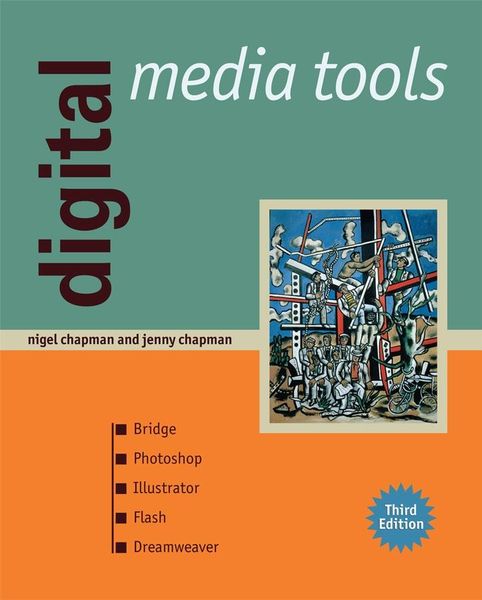
Digital Media Tools is a clearly focused and highly accessible introduction to the major software tools used for creating digital graphics, web animation and web pages, suitable for course use or self-study. Its unique approach provides substantial chapter-by-chapter coverage of each of the industry-leading applications and uses practical and engaging exercises to help you gain a clear understanding of each tool and feature. Based on the authors' extensive experience in both using and teaching these tools, this book provides a comprehensive insight into both the technology and the theory underpinning its use in everyday practice.
The third edition of this very successful textbook has been completely revised to provide fully up to date coverage of the latest (CS3) versions of Photoshop, Flash, Illustrator and Dreamweaver, along with new coverage of Bridge and chapters devoted to interface features and shared concepts. Fully updated and extended with numerous new illustrations and examples, learning features and web resources (available on the brand new companion site), this book is a complete introduction to this vital range of software tools.
Also by Nigel and Jenny Chapman:
Web Design is a core text for undergraduate and masters courses that provides a complete introduction to every aspect of the building of web pages and web sites. It provides a deep and thorough introduction to web technology, markup, stylesheets, web graphics, web animation and embedded video, client-side scripting, web applications, usability, accessibility, page design and site design. Full coverage of HTTP, XHTML, CSS, Javascript and the DOM is provided, and the use of web standards is emphasized throughout. At all times, the focus remains on good practice, underpinned by sound principles. Supported by exercises, assignments and summaries, it is ideal for course use or self-study, and represents a complete overview of web design.
Also available: Digital Multimedia, a core text for undergraduate and masters courses in multimedia, covering the basic principles of each media type - text, graphics, audio, animation and video. A perfect companion to Digital Media Tools.
The third edition of this very successful textbook has been completely revised to provide fully up to date coverage of the latest (CS3) versions of Photoshop, Flash, Illustrator and Dreamweaver, along with new coverage of Bridge and chapters devoted to interface features and shared concepts. Fully updated and extended with numerous new illustrations and examples, learning features and web resources (available on the brand new companion site), this book is a complete introduction to this vital range of software tools.
Also by Nigel and Jenny Chapman:
Web Design is a core text for undergraduate and masters courses that provides a complete introduction to every aspect of the building of web pages and web sites. It provides a deep and thorough introduction to web technology, markup, stylesheets, web graphics, web animation and embedded video, client-side scripting, web applications, usability, accessibility, page design and site design. Full coverage of HTTP, XHTML, CSS, Javascript and the DOM is provided, and the use of web standards is emphasized throughout. At all times, the focus remains on good practice, underpinned by sound principles. Supported by exercises, assignments and summaries, it is ideal for course use or self-study, and represents a complete overview of web design.
Also available: Digital Multimedia, a core text for undergraduate and masters courses in multimedia, covering the basic principles of each media type - text, graphics, audio, animation and video. A perfect companion to Digital Media Tools.
Noch keine Bewertungen vorhanden
Verfassen Sie die erste Bewertung zu diesem Artikel
Helfen Sie anderen Kundinnen und Kunden durch Ihre Meinung.
Kurze Frage zu unserer Seite
Vielen Dank für dein Feedback
Wir nutzen dein Feedback, um unsere Produktseiten zu verbessern. Bitte habe Verständnis, dass wir dir keine Rückmeldung geben können. Falls du Kontakt mit uns aufnehmen möchtest, kannst du dich aber gerne an unseren Kund*innenservice wenden.
zum Kundenservice