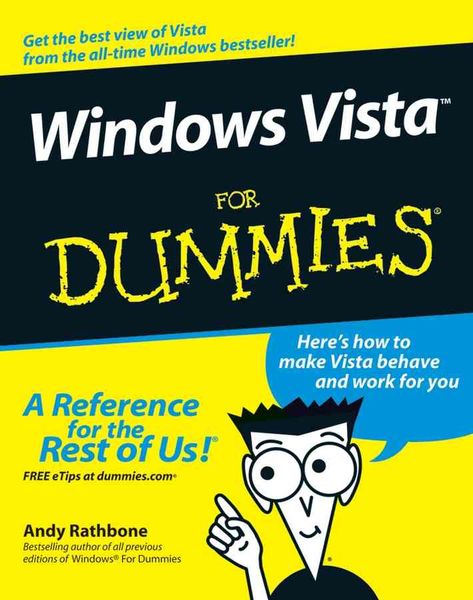
Windows Vista For Dummies A Reference for the Rest of Us! Here's how to make Vista behave and work for you
Aus der Reihe
For Dummies
-
- Taschenbuch ausgewählt
- eBook
-
Sprache:Englisch
-
Verlag:John Wiley & Sons Inc
- Wiley 19,99 €
- John Wiley & Sons Inc 19,99 € ausgewählt
19,99 €
inkl. gesetzl. MwSt.,
Lieferung nach Hause
Beschreibung
Produktdetails
Einband
Taschenbuch
Erscheinungsdatum
13.12.2006
Verlag
John Wiley & Sons IncSeitenzahl
408
Maße (L/B/H)
23,5/19,1/2,3 cm
Gewicht
795 g
Auflage
1. Auflage
Sprache
Englisch
ISBN
978-0-471-75421-3
Create music CDs and photo DVDs or even watch TV
Move your files to a new computer, or get your old PC ready for Vista
The thing that's made Windows For Dummies so successful is that it's packed with the basics you need to make Windows work. This book gets you through all the Windows Vista tasks and tripwires, including starting programs, finding files, navigating the new see-through interface, staying safe while you cruise the Internet, and much more.
Discover how to
* Find files when they?re hiding
* Hook up with another computer
* Make Vista work like XP
* Block Internet bad guys
* Share a PC without sharing your files
* Fix problems yourself
Move your files to a new computer, or get your old PC ready for Vista
The thing that's made Windows For Dummies so successful is that it's packed with the basics you need to make Windows work. This book gets you through all the Windows Vista tasks and tripwires, including starting programs, finding files, navigating the new see-through interface, staying safe while you cruise the Internet, and much more.
Discover how to
* Find files when they?re hiding
* Hook up with another computer
* Make Vista work like XP
* Block Internet bad guys
* Share a PC without sharing your files
* Fix problems yourself
Kundinnen und Kunden meinen
Verfassen Sie die erste Bewertung zu diesem Artikel
Helfen Sie anderen Kund*innen durch Ihre Meinung
Kurze Frage zu unserer Seite
Vielen Dank für dein Feedback
Wir nutzen dein Feedback, um unsere Produktseiten zu verbessern. Bitte habe Verständnis, dass wir dir keine Rückmeldung geben können. Falls du Kontakt mit uns aufnehmen möchtest, kannst du dich aber gerne an unseren Kund*innenservice wenden.
zum Kundenservice