Beschreibung
Produktdetails
ISBN
978-1-394-16880-4
Auflage
3. Auflage
Erscheinungsdatum
24.04.2023
Einband
Taschenbuch
Verlag
John Wiley & SonsSeitenzahl
480
Maße (L/B/H)
23/18,6/2,5 cm
Gewicht
894 g
Sprache
Englisch
Discover the popular and inexpensive laptop alternative
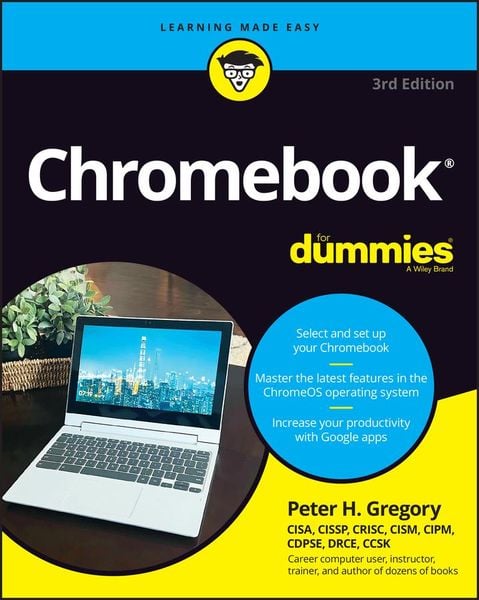
Looking for an inexpensive and easy-to-use alternative to standard laptops? Then look no further than Chromebook®, Google's low-cost laptop for checking email, browsing the web, and watching videos. Chromebook® For Dummies walks you through every step of selecting, preparing and using your new Chromebook. You'll learn to transition from a traditional computer/laptop and customize your device to suit your individual needs. From navigating the desktop to accessing photos, this book will have you up and running like a pro in no time.
Inside...
- Set up your new Chromebook
- Work with the desktop interface
- Explore Chromebook apps
- Use the Chrome web browser
- Find and access your photos
- Watch videos and play music
- Send and receive emails and texts
- Secure your new device
Kundinnen und Kunden meinen
Verfassen Sie die erste Bewertung zu diesem Artikel
Helfen Sie anderen Kund*innen durch Ihre Meinung
Kurze Frage zu unserer Seite
Vielen Dank für dein Feedback
Wir nutzen dein Feedback, um unsere Produktseiten zu verbessern. Bitte habe Verständnis, dass wir dir keine Rückmeldung geben können. Falls du Kontakt mit uns aufnehmen möchtest, kannst du dich aber gerne an unseren Kund*innenservice wenden.
zum Kundenservice